WiFi that works at the desk next to the router is not an achievement. We install WiFi for Brisbane businesses and homes that works in the back office, the warehouse corner, the upstairs bedroom, and the shed — designed from measurement, built on cabled access points, and verified before we leave.
Prefer to talk? Call Chris — 0412 853 618
One stubborn dead spot or a whole building from scratch — send through your details and Chris will get back to you with straight advice and a fixed price. Prefer to talk? Call 0412 853 618. No pushy sales, just solid work.
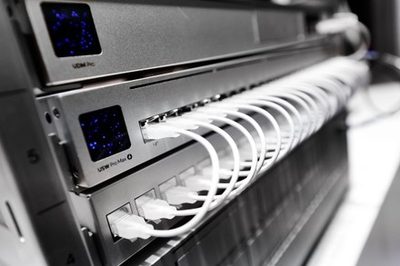
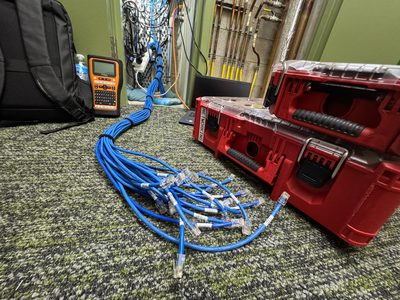
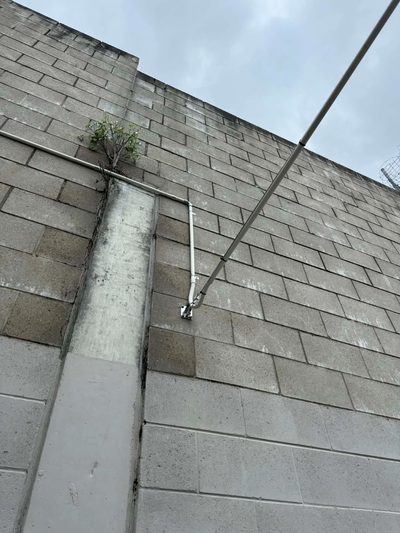
Every frustrating WiFi setup in Brisbane shares the same origin story: a single router (or a pile of consumer gadgets) asked to cover a building it was never designed for. Brisbane construction is genuinely hostile to wireless — besser block, double brick, foil-backed insulation, and Queenslander floor plans that stretch signal past its physics.
Professional WiFi installation reverses the approach: measure the building, place cabled access points where coverage is actually needed, and configure them as one seamless network. Unified Network Solutions does this across Brisbane and South East Queensland as both the wireless designer and the registered cabler (ACMA #42489) — one team, one fixed price, and coverage verified with a walk-through before we call it finished. In short: wireless coverage solutions built on physics, and wireless coverage solutions that hold up at full occupancy. Wireless coverage solutions are bought once and lived with for years — worth getting right.
Every city's construction has a personality, and Brisbane's is rough on radio. Knowing the local building stock is half of being a competent wifi installer here.
The default walls of Brisbane commercial units and post-war homes absorb 5GHz almost completely. One wall is attenuation; two is a dead zone. Placement has to respect the masonry, not pretend it isn't there.
Queensland's heat answer is a radio cage: foil sarking reflects signal back into (or out of) every space it wraps. It's why the upstairs WiFi dies at the stairwell, and why ceiling-mounted APs per zone beat one loud router every time.
Raised timber homes extended three times across a century stack materials in radio-hostile layers — and the office in the built-in downstairs is behind all of them. The fix is an AP downstairs, not a fourth router upgrade.
None of this is exotic to fix. It just has to be designed for — which is the difference between WiFi installation as a measured trade and a router dropped on a shelf with hope. When we quote a Brisbane building, the construction is already priced into the design.
Every building has one: the meeting room where laptops show full bars and load nothing, the storeroom where the stocktake scanner gives up, the bedroom that streams in slideshow. The dead spot in the back corner has usually outlived three routers, two extenders, and an upgrade to "the good NBN plan" — because none of those change the physics. Signal that has to pass through four masonry walls arrives too weak to use, no matter what's transmitting it.
The proper fix is embarrassingly direct: put an access point where the coverage is needed, fed by a cable. One Cat6 run through the ceiling, one ceiling-mounted AP, and the dead spot becomes the best-served zone in the building — at full speed, forever, with no gadget chain to reboot.
Before recommending anything we measure: a quick survey shows exactly where coverage collapses and why, which means the fix is sized to the actual problem. Sometimes it's one AP. Sometimes the existing router just needs to move three metres. We tell you which — that's what the survey is for.
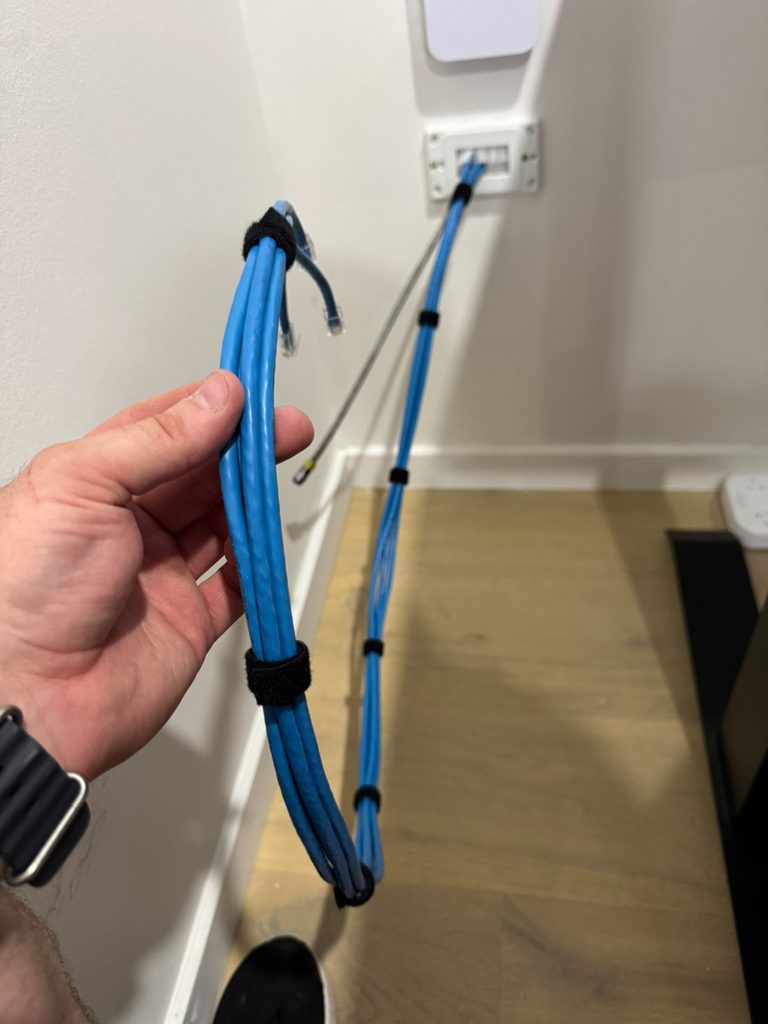
Mesh marketing is excellent. Mesh physics is less so. We install both — so here's the comparison the box doesn't print, from a wifi installer with no stake in either answer.
Cabled access points: every AP gets full bandwidth from the wire, placement is wherever coverage demands (not wherever mesh signal reaches), PoE means no power points needed, and one failed node never takes down the chain. This is what we install wherever a cable can physically go.
Wireless mesh: every hop between nodes roughly halves throughput, the backhaul inherits all the interference of the building, and nodes must be placed where they can hear each other — which is rarely where you need coverage. Fine for a rental or where cabling is truly impossible; a compromise everywhere else.
The pattern we see weekly: a business that bought mesh to avoid one cable run, then paid for it monthly in dropouts. The cable would have cost less than the second round of mesh nodes.
One network, every room, no dead zones, no second SSID called "Office2.4G-EXT" that nobody knows the password to. Whole-building WiFi installation is a sequence, and every step earns its place.
A coverage survey maps where signal lives and dies in your actual building — walls, floors, and Queensland construction quirks included. The AP plan comes from data.
Cat6 runs to every AP location, installed and certified by our own registered cablers — through ceilings, risers, and walls, with nothing visible but the access point itself.
Every AP broadcasts the same network with roaming configured properly — devices hand off as you move through the building, and the WiFi simply works everywhere.
Big Queenslanders, multi-storey builds, and serious home offices get the same commercial method scaled down — usually two or three APs and an afternoon.
Business-grade coverage with guest separation and growth headroom — see our business WiFi solutions for the full networking layer.
Warehouses, campuses, and high-density venues step up to enterprise WiFi — same discipline, industrial scale.
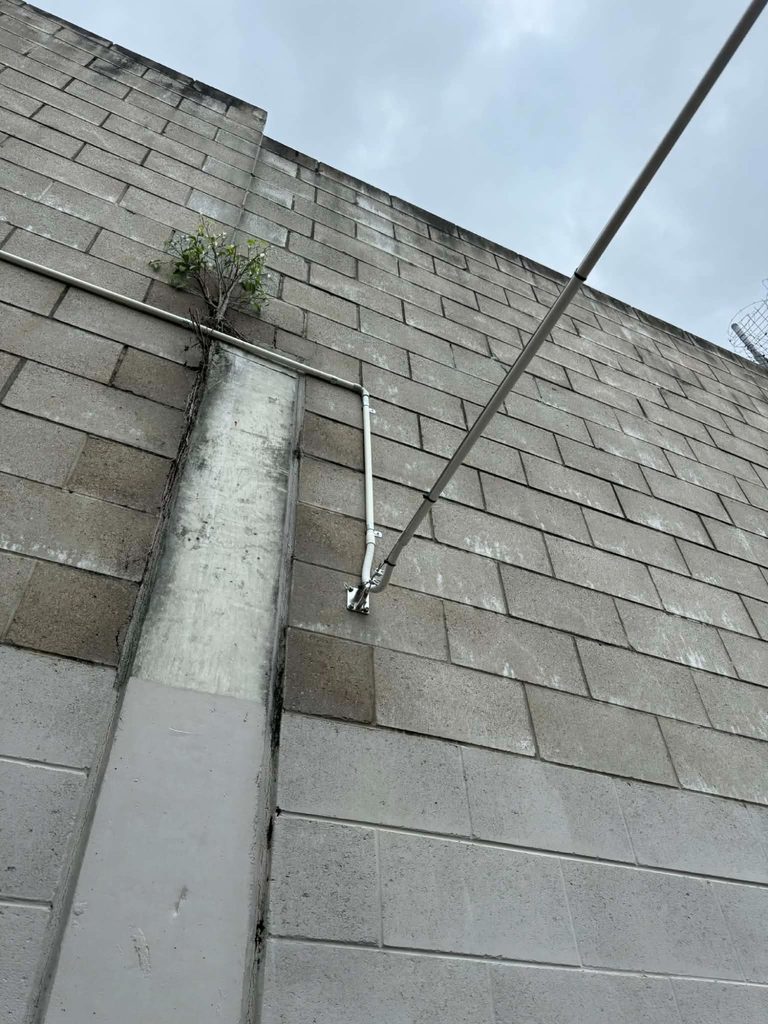
The workshop, the granny flat, the office above the garage — Brisbane properties are full of second buildings that "almost" get WiFi. Almost means the signal technically appears and practically infuriates: one bar on the verandah side, nothing at the bench, and a security camera that reconnects forty times a day.
The right fix is a cable: an underground run between the buildings feeding a proper access point at the far end. Full speed, weatherproof, permanent — and the trench is usually shorter and cheaper than people assume. Where digging genuinely isn't viable, we install engineered point-to-point wireless bridges with directional antennas — a real link with real throughput, not a repeater squinting across the yard.
Either way the outbuilding joins the same network as the house or office: same WiFi name, seamless roaming, and the security cameras out there finally stop dropping offline.
We measure where coverage lives and dies — and listen to where it actually hurts your day. The plan comes from both.
Access points, cabling, mounting, and configuration in one itemised fixed price. Hardware recommended to fit the job, not a sales target.
Runs installed and certified, APs mounted cleanly, network configured as one seamless system — usually within a single day for most buildings.
We walk the whole building with you, device in hand, proving the coverage room by room before handover. Dead spots don't survive the walk.
Because the difference between a WiFi installer and a cabler-who-understands-wireless shows up in your walls.
ACMA Open Cabler #42489 — the cable runs that make real WiFi possible are done in-house, legally, and certified. No subcontractor roulette.
Every installation ends with a measured walk-through. You see the coverage working before we leave — that's the standard, not a stretch goal.
If the fix is moving your router, we say so. If mesh genuinely suits your situation, we install mesh. The quote fits the problem, not the margin.
“For years everyone just blamed “the internet” whenever a Teams call dropped. Turns out it was the WiFi the whole time. UNS walked the office, figured out where the dead spots were, and put access points where they actually needed to go. Haven't heard a single complaint since, which in our office is saying something.”
A single professionally installed access point — cabled, mounted, and configured — typically costs $450–$800 plus hardware. A whole-building WiFi installation for a typical Brisbane office or large home, with two to four cabled access points, commonly lands between $1,500 and $4,000 including hardware, depending on cable pathways and construction. Fixed-price quote after a quick survey — call Chris on 0412 853 618.
Because radio obeys physics: distance, walls (especially besser block, brick, and foil-backed insulation), metal, and water all absorb or reflect signal. One router serving a whole building from a corner office was never going to work. Dead spots are fixed properly by putting coverage where people are — additional cabled access points placed from measurement — not by turning up the power or stacking repeaters.
Mesh has a place — but wireless mesh backhaul halves your bandwidth at every hop and inherits every interference problem in the building. For business use, cabled access points beat mesh in every measurable way: full speed at every AP, no backhaul fragility, and PoE power. We install mesh where cabling is genuinely impractical, and cable everything else. Most "mesh upgrades" we're called to fix should have been one cable run in the first place.
Yes — properly. The reliable method is a cable run (underground between detached buildings) feeding an access point in the outbuilding, giving full-speed coverage that ignores weather and distance. Where trenching genuinely isn't an option, we install point-to-point wireless bridges as the engineered alternative. What we won't do is sell you a repeater that halves your speed and drops every afternoon.
Poorly, in most cases. A repeater re-broadcasts what it hears, halving throughput and adding latency, and it only works where signal already exists — which is rarely where you need it. They're the right tool in a narrow set of cases, but for any building you work in, cabled access points cost a little more once and work properly forever.
A single access point with a straightforward cable run is usually done in two to three hours. A whole-building installation with multiple APs is typically a single day, including configuration and a coverage walk-through. Larger or multi-building sites are programmed per project — and we schedule around your operating hours.
Yes — particularly larger homes, Queenslanders with WiFi-hostile construction, and home offices that need reliability rather than hope. The same commercial-grade approach scales down: cabled access points where coverage is needed, one network, no extenders. It costs less than people expect and ends the daily frustration permanently.
We service Brisbane CBD, North Brisbane, South Brisbane, Gold Coast, Sunshine Coast, Ipswich, Logan, Moreton Bay, Redlands, and the wider South East Queensland region. For larger projects, we can service regional Queensland by arrangement.
Rarely. Router marketing implies transmit power solves coverage, but the conversation is two-way — your phone has to reach back, and its tiny radio doesn't get stronger because the router's did. Past a sensible point, a louder router just creates zones where you can hear it and it can't hear you. Coverage problems are placement problems: the answer is an access point near the dead zone, not a more aggressive router shouting from the wrong place.
Yes — outdoor-rated access points built for Queensland weather, mounted under eaves or on poles, cabled back to the network like any other AP. Cafés and venues use them for customer WiFi in courtyards; homes use them for the pool area and backyard. The same rule applies outdoors as in: a proper AP where the people are beats a strained signal from inside the building.
We deliver WiFi installation across Brisbane CBD and metro, Logan, Ipswich, Redlands, Moreton Bay, the Gold Coast, and the Sunshine Coast — offices, shops, clinics, warehouses, large homes, and the outbuildings beyond them. Wherever the dead spot is, the method is the same: measure it, cable it, fix it once, and prove it with a walk-through. Surveys are free and quotes are fixed-price. Wireless coverage solutions for offices, warehouses and venues — wireless coverage solutions measured before they're promised.
Tell us where it drops, buffers, or simply doesn't exist — we'll survey the building, design the coverage, and install WiFi you'll forget you have. Wireless coverage solutions start with a walk-through; the best wireless coverage solutions end with you forgetting WiFi was ever a topic.
Call 0412 853 618 Get a Quote Online Unified Network Solutions