When the forklift scanners, the nurse-call tablets, or six hundred student laptops depend on the wireless, "pretty good WiFi" isn't a category. We design and install enterprise WiFi solutions for Brisbane's bigger sites — warehouses, campuses, schools, and venues — engineered from survey data and built on certified cabling.
Prefer to talk? Call Chris — 0412 853 618
A warehouse the scanners keep dropping out of, or a campus that needs doing properly — send through your details and Chris will get back to you with straight advice and a fixed price. Prefer to talk? Call 0412 853 618. No pushy sales, just solid work.
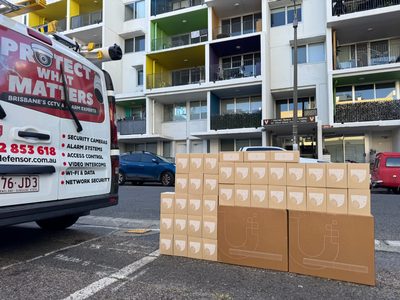
Enterprise WiFi isn't business WiFi with more access points. It's wireless engineered as operational infrastructure — for sites where the pick rate drops when the scanners drop, where a class of thirty can't start until thirty laptops connect, where the wireless is part of how the building works. The design assumptions, hardware, and validation are all different at this scale.
Unified Network Solutions designs and installs enterprise wireless networks across Brisbane and South East Queensland: warehouses and distribution centres, school and corporate campuses, medical and aged-care facilities, and high-density venues. Every deployment starts with measurement, runs on PoE cabling we install and certify ourselves (ACMA Open Cabler #42489), and ends with a validation survey proving the coverage and capacity that were promised on paper. That's the enterprise WiFi solutions standard we hold every site to.
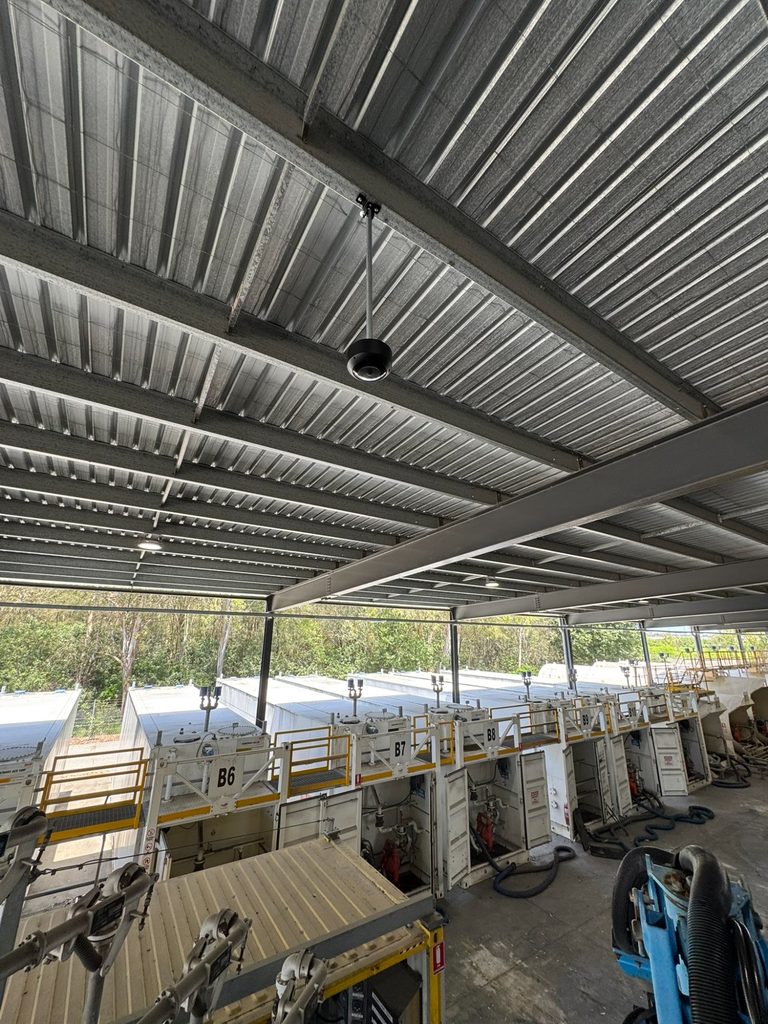
Warehouses are the hardest WiFi environment in commercial Brisbane, and the reasons are physical: steel racking creates signal canyons that move every time stock levels change, tin roofs and concrete floors reflect everything, forklifts are rolling Faraday cages, and the devices that matter — RF scanners, tablets, voice-picking headsets — roam constantly at floor level while the access points hang ten metres up.
It's also why warehouse WiFi bought as "a few access points on the ceiling" fails so reliably — the quote was for an office design in a building that behaves nothing like one. Warehouse WiFi that works gets designed for all of that: antennas and mounting suited to aisle layouts, AP placement that serves the floor rather than the ceiling void, roaming tuned for devices that cross the whole site fifty times a shift, and coverage validated with stock in the racks — not in an empty shed that behaves nothing like the working building.
The cabling matters just as much: catenary and steel containment runs at height, done by registered cablers who own scissor-lift work, with every run certified. One contractor for the lot — see our commercial data cabling for how the physical layer gets built.
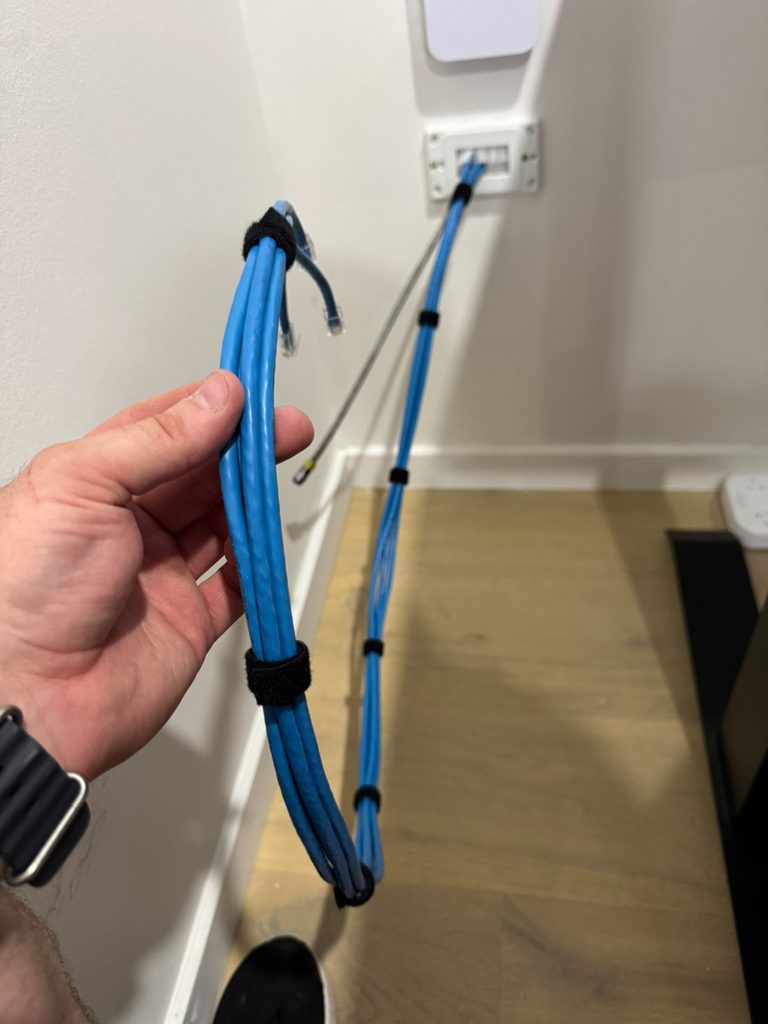
A venue can have five bars everywhere and unusable WiFi. High-density design is about how many devices each access point serves at the worst minute of the day.
Cell sizing. More, smaller cells with transmit power deliberately turned down — counterintuitive, but it's how a hundred devices in one room get served without the APs shouting over each other. The AP count comes from the device budget, not the floor area.
Channel discipline. A channel plan that minimises co-channel interference across 2.4, 5 and 6GHz — plus band steering that pushes capable devices off the congested legacy band where the printers and old laptops live.
Airtime fairness. Configured so one ancient device negotiating at 2009 speeds can't drag down everyone sharing its access point — the invisible setting behind venues where the WiFi "just copes" with the lunch rush.
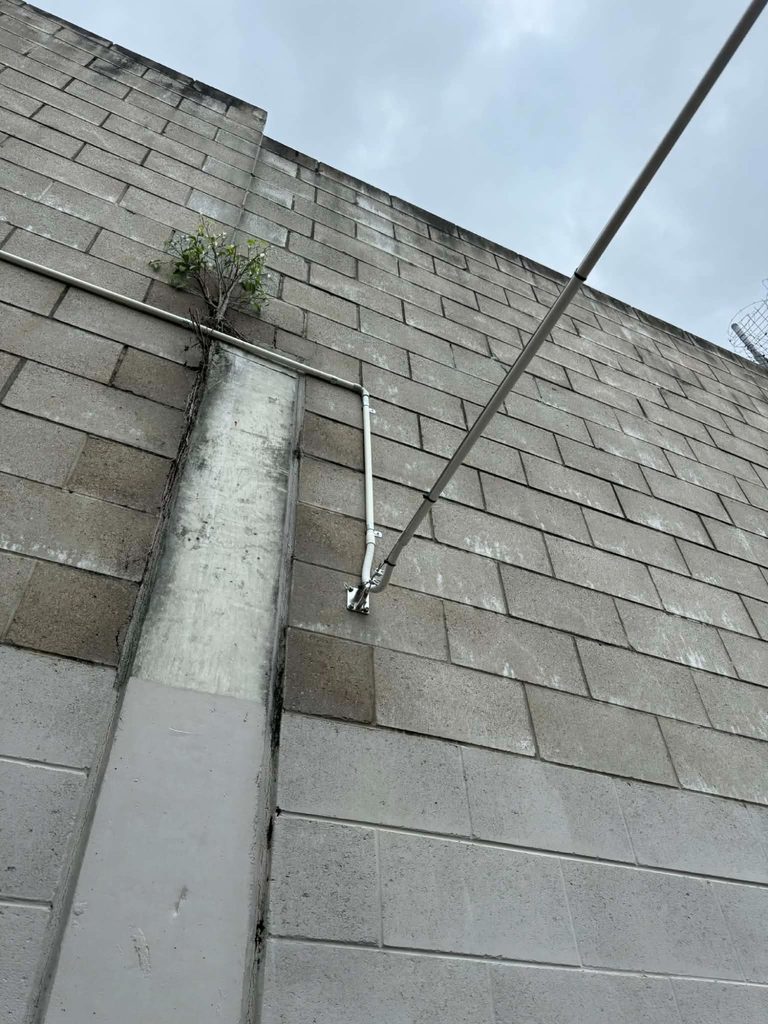
Schools, aged-care villages, industrial estates, retirement communities, and corporate campuses share a shape: multiple buildings, one operation, and an expectation that the wireless is a single seamless network across all of it. Staff walk between buildings mid-call; students move between classrooms every forty minutes; the whole estate gets managed by one IT team from one console.
The invisible work is in the backbone, and it's where campus WiFi projects are won or lost long before an access point goes on a wall. Buildings get linked with fibre backbone — or underground runs where open ground separates them — sized for the aggregate traffic of every access point behind them. The wireless layer then presents as one network: same SSIDs everywhere, roaming that hands off cleanly at building boundaries, VLANs that follow the user rather than the building.
School deployments add their own constraints — device surges at class change, content-filtering integration, and a hard requirement that the work happens during term breaks. We've built for them, and the program is planned backwards from day one of term — hardware staged, cabling done early in the break, configuration and validation in the final week so nothing is discovered on the first morning of classes.
The engineering discipline is constant; the constraints change with the operation. A sample of the enterprise wireless work we deliver across South East Queensland:
RF scanners and voice picking that roam the floor all shift. Roaming thresholds tuned aggressively, coverage validated at floor level with full racking — because a dropped scan is a mis-pick, and mis-picks are money.
Nurse-call tablets, telehealth carts, and resident WiFi on strictly separated segments. Coverage must reach every room — there's no acceptable dead spot in a duty-of-care environment — and changes are scheduled around care, not convenience.
Guest WiFi at function-room density, POS terminals that can't drop mid-transaction, and back-of-house operations sharing the same infrastructure on different VLANs — busy Saturday night as the design load, not Tuesday morning.
Plant floors with serious electrical noise, machinery telemetry, and tablets at workstations. Shielded cabling where the environment demands it, and wireless designed around the interference sources that already live there.
One-to-one device programs mean a class of thirty is thirty-plus concurrent connections per room, surging at every bell. Density-first design, content-filter integration, and delivery inside term breaks.
Multi-tenancy floors, meeting-room video at all hours, and executives who measure the network by whether their call survives the lift lobby. Roaming and capacity tuned for the way the building actually moves.
Everything above rests on the same four-stage discipline — the difference between enterprise wireless and expensive guesswork.
Floor plans, construction materials, and device budgets modelled before anyone climbs a ladder — AP counts and placements designed, not estimated from a brochure.
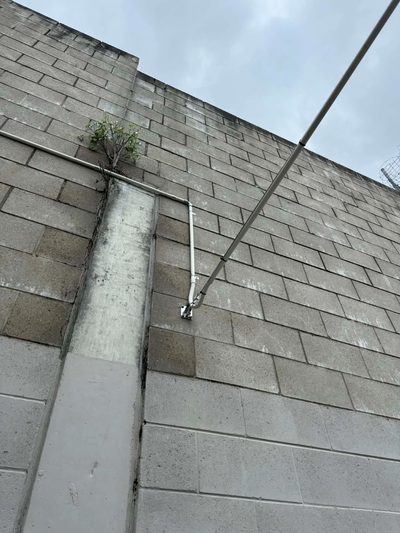
The model checked against the real building with a WiFi site survey — because the floor plan never mentions the besser block wall or the foil insulation.
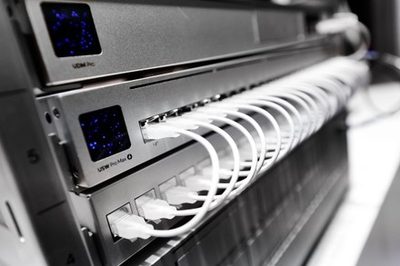
PoE budgets confirmed, switching specified, and every cable run installed and Fluke-certified in-house — the wired skeleton the wireless lives on.
After install, the site is walked and measured again. Coverage, roaming, and throughput verified against the design with the results documented — proof, not promises, before handover. If a zone underperforms, we fix it before we leave, not after the first complaint.
AP locations, channel plans, cabling records, and configuration handed over in a pack your IT team or MSP can operate from — no tribal knowledge required.
Conduit, cabling, and switching sized for the access points you'll add later — because enterprise sites grow, and retrofitting headroom costs triple.
Device budgets, coverage zones, and operational requirements gathered; the site modelled and surveyed — including with stock in the racks for warehouses.
AP plan, switching, cabling, and platform designed and priced as a fixed quote — you see the whole system before committing to any of it.
Cabling installed and certified, hardware mounted and adopted, network configured — staged around your operations, term breaks, or shutdown windows.
Post-install validation survey against the design, then documentation and admin handover — or ongoing management if you'd rather we keep watching it.
Enterprise wireless lives or dies on the physical layer — and we're the rare wireless designer that's also the registered cabler.
Wireless engineering and ACMA-registered cabling (#42489) under one roof — no design-versus-installation gap for problems to hide in.
Warehouses with moving stock, campuses with term-break deadlines, venues with brutal density — 15+ years of infrastructure across SEQ's less forgiving buildings.
White-label enterprise deployments for IT companies and MSPs — we carry the survey gear and the scissor-lift tickets, you keep the client.
Scale and stakes. Enterprise WiFi means many access points working as one system — central management, seamless roaming, VLAN segmentation, redundancy, and capacity planning for hundreds or thousands of concurrent devices. It's the difference between WiFi for an office and a wireless network that a warehouse operation, school campus, or multi-building site depends on to function.
Enterprise deployments are quoted per project because the variables are real: site area, construction, AP count, cabling distances, switching, and management platform. As broad guidance, warehouse deployments commonly run from several thousand dollars for a small facility to tens of thousands for large multi-building sites. The survey and design phase gives you an exact fixed price before any hardware is ordered — call Chris on 0412 853 618 to start there.
Yes — warehouse WiFi is one of our specialties. High-bay racking creates canyons that block signal, and stock levels change the radio environment daily. We design with antennas and placements suited to racking aisles, mount at heights that serve the floor rather than the ceiling void, and validate with a post-install survey so scanners and tablets roam cleanly across the whole floor.
Yes. School and campus WiFi combines high density (every student with one or more devices), multiple buildings, and duty-of-care requirements like content filtering integration. We design for class-change surges, cable and link buildings over fibre backbone, and schedule installation during term breaks so the network is ready when students return.
High-density wireless design is capacity engineering from the first sketch: more, smaller cells with power turned down rather than fewer loud APs; channel plans that minimise co-channel interference; band steering pushing capable devices to 5/6GHz; and airtime fairness so one slow device can't drag a whole AP down. The AP count comes from the device budget, not the floor area.
Yes — campus networks are linked with fibre backbone between buildings (or underground runs where buildings are separated by open ground), with the wireless presented as one network across the entire site. Staff roam between buildings without reconnecting, and the whole estate is managed from a single console.
UniFi for most deployments — its enterprise feature set without per-AP licensing suits the budgets of most Brisbane operations — and other commercial platforms where an existing fleet or specific requirement calls for it. The platform recommendation follows the site's needs: device count, management model, redundancy requirements, and what your IT team or MSP can realistically operate day to day.
We service Brisbane CBD, North Brisbane, South Brisbane, Gold Coast, Sunshine Coast, Ipswich, Logan, Moreton Bay, Redlands, and the wider South East Queensland region. For larger projects, we can service regional Queensland by arrangement.
We deliver enterprise WiFi across Brisbane and the wider region — distribution centres in Brendale and Larapinta, campuses and schools from Ipswich to the Redlands, and high-density venues across the CBD, Gold Coast, and Sunshine Coast. Every deployment is survey-designed, built on certified cabling, and validated against its design before handover. Site surveys and design consultations are the right first step — and the quote that follows is fixed. If the wireless is something your operation genuinely depends on, it deserves to be engineered like the rest of your infrastructure. Enterprise WiFi solutions for sites where wireless is operational, not optional — enterprise WiFi solutions surveyed, designed and proven.
Tell us about the site — the scanners that drop, the buildings to link, the device count that's coming — and we'll design enterprise WiFi to carry it, with a fixed price before any hardware is ordered.
Call 0412 853 618 Get a Quote Online Unified Network Solutions